
You can revoke a code by navigating to the Code Management tool in the Administrator Dashboard. After clicking into the specific code batch, you will need to filter for 'Unredeemed codes'. You will see options to 'Remind' or 'Revoke' the specific code for a user. These actions can be done in bulk by selecting multiple codes.
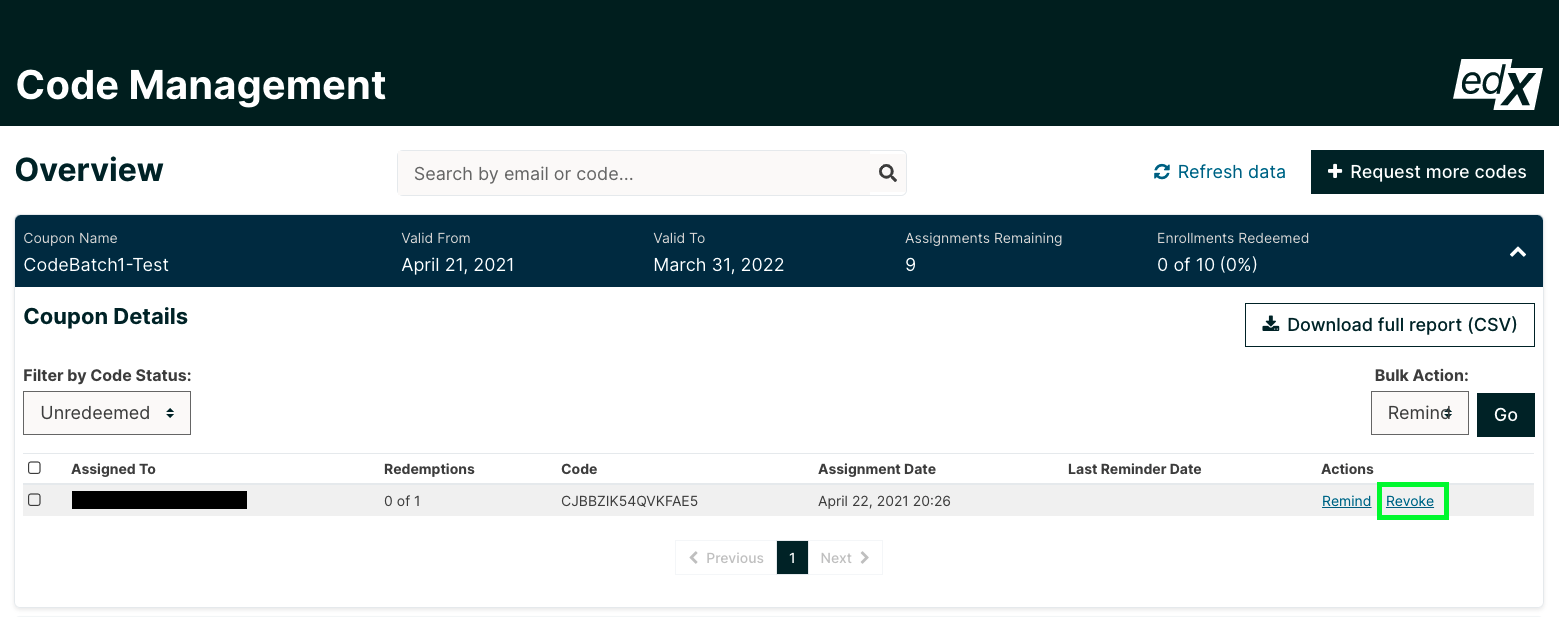
Once you revoke a code, the learner will no longer be able to use it to enroll in a course. Please note that a code can only be revoked before it has been redeemed. There is no way to revoke a code once it has been redeemed for a course.