
Today the process for checking your current total spend is a bit manual, and something that we are in the process of automating and making much easier to see.
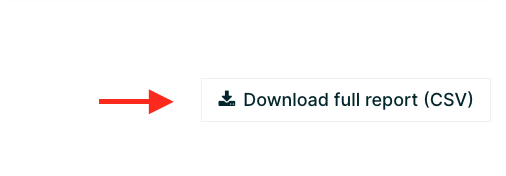
For the moment, it can be done through the Administrator Dashboard. For a quick approximation of spend, you can simply download your Learner Progress Report, which can be found under "Download full report (CSV)" on the right hand side of the Learner Progress Report tab (as demonstrated below), and add up the column (P) with the course cost (course_list_price).
For spend amount regarding a specific Coupon Name, you can filter column (n) "coupon_name" to isolate the specific Coupon Name(s) you wish to total against your spend limit.
If you would like additional assistance please reach out to customersuccess@edx.org