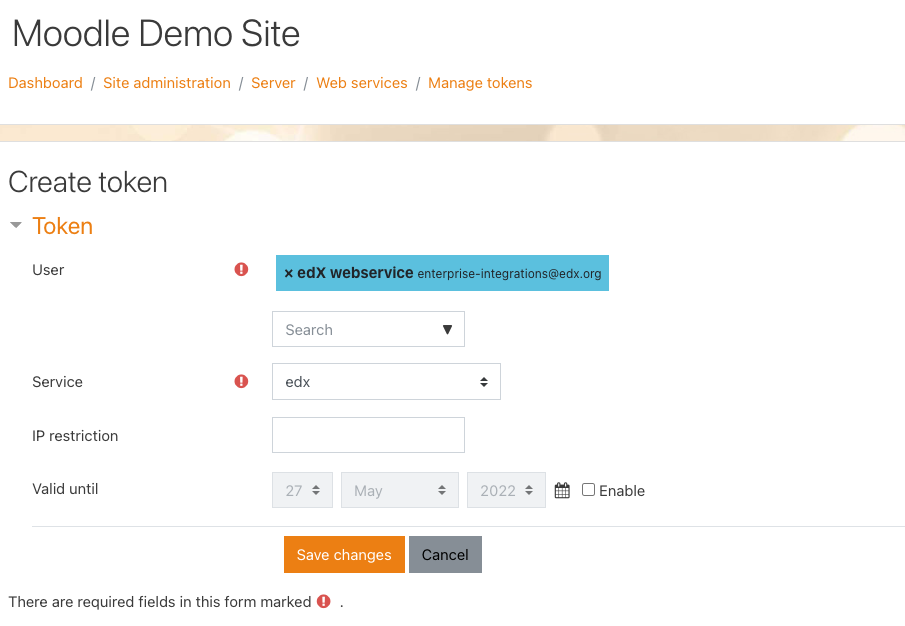
2.8 - Create a token for the web services user (that allows edX to act as the Moodle User created in Step 3)
- Navigate to “Site administration > Server > Web services > Manage tokens”
- Click the “Add” link
- User: search for the user created in Step 3 (edX webservice).
- Service: select the newly created web service in Step 2 (edX)
- Do NOT enable expiration as this will cause disruptions to edX’s API.
- With those two pieces of information filled in, click on Save changes.
- You will see the newly generated Token display on the screen.