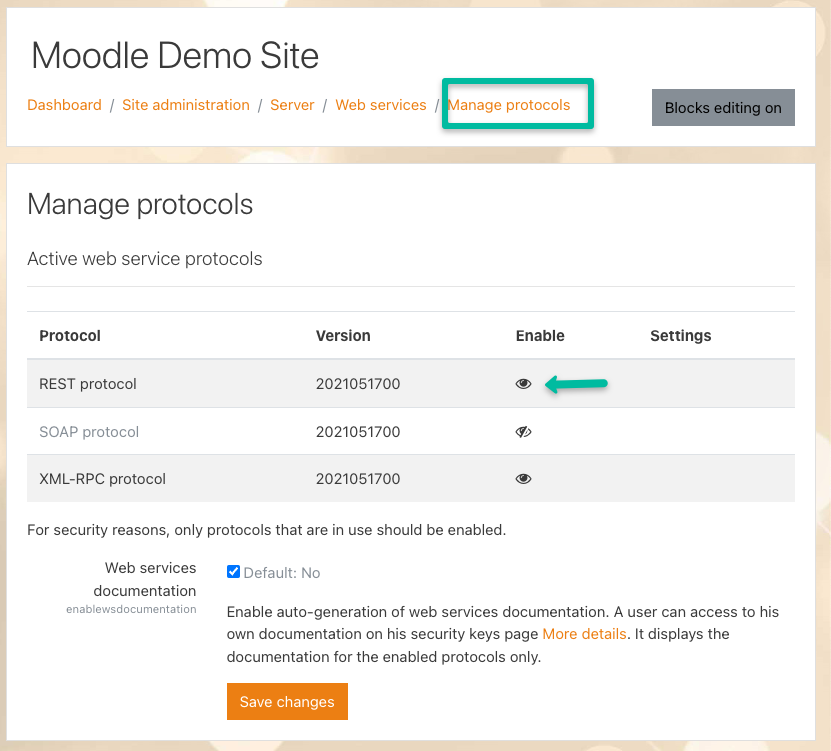
- Navigate to “Site administration > Plugins > Web services > Manage protocols”
- On the Manage Protocols screen, under the “Enable” column, click the eyeball icon in the “REST” row. This enables REST API functionality that the edX Moodle Integration requires to connect to Moodle.