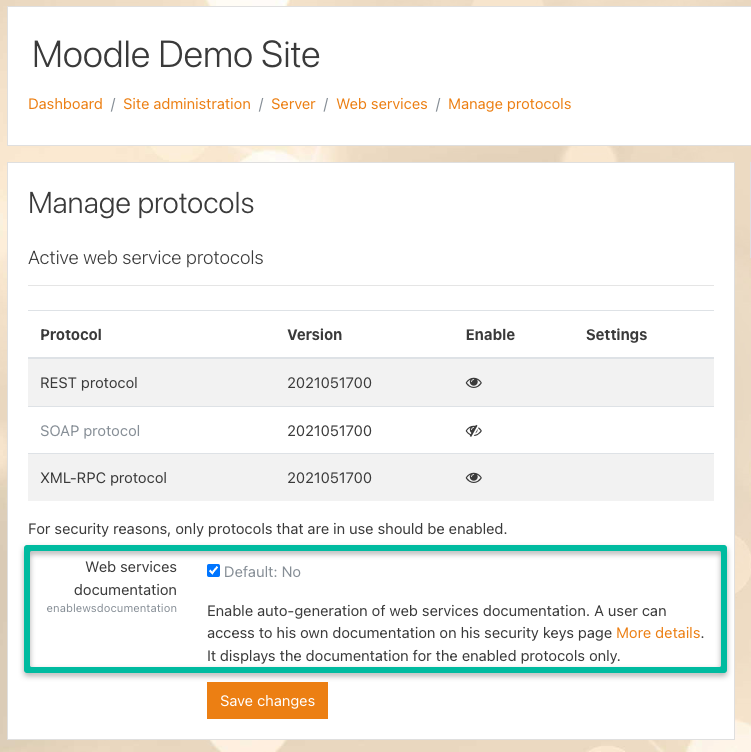
2.9 - Enable developer documentation Allyson Kummins May 27, 2022 12:47 Updated Navigate to "Site administration > Server > Web services > Manage protocols" Check the box next to “Web services documentation”. Despite its name, this is actually used to obtain more helpful errors. Related articles 2.10 - Provide your Moodle URL and token to edX via the edX Admin Portal 1. Video: Degreed integration 2.8 - Create a token for the web services user (that allows edX to act as the Moodle User created in Step 3) Configuring Single Sign-on (SSO) within the edX Admin Portal Integrating edX with Workday