
- On the External Services screen, "Site administration > Server > Web services > External services" , find the new external service named “edx” that you just created in the table. Click on the Functions link.
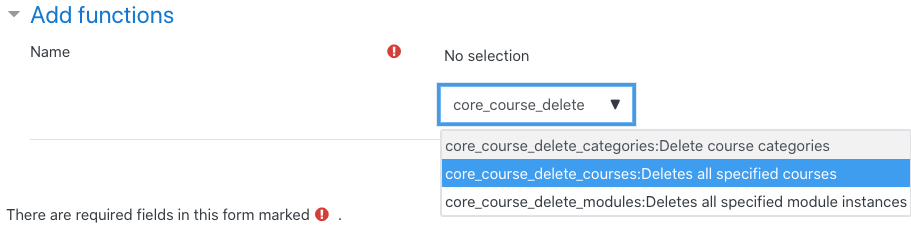
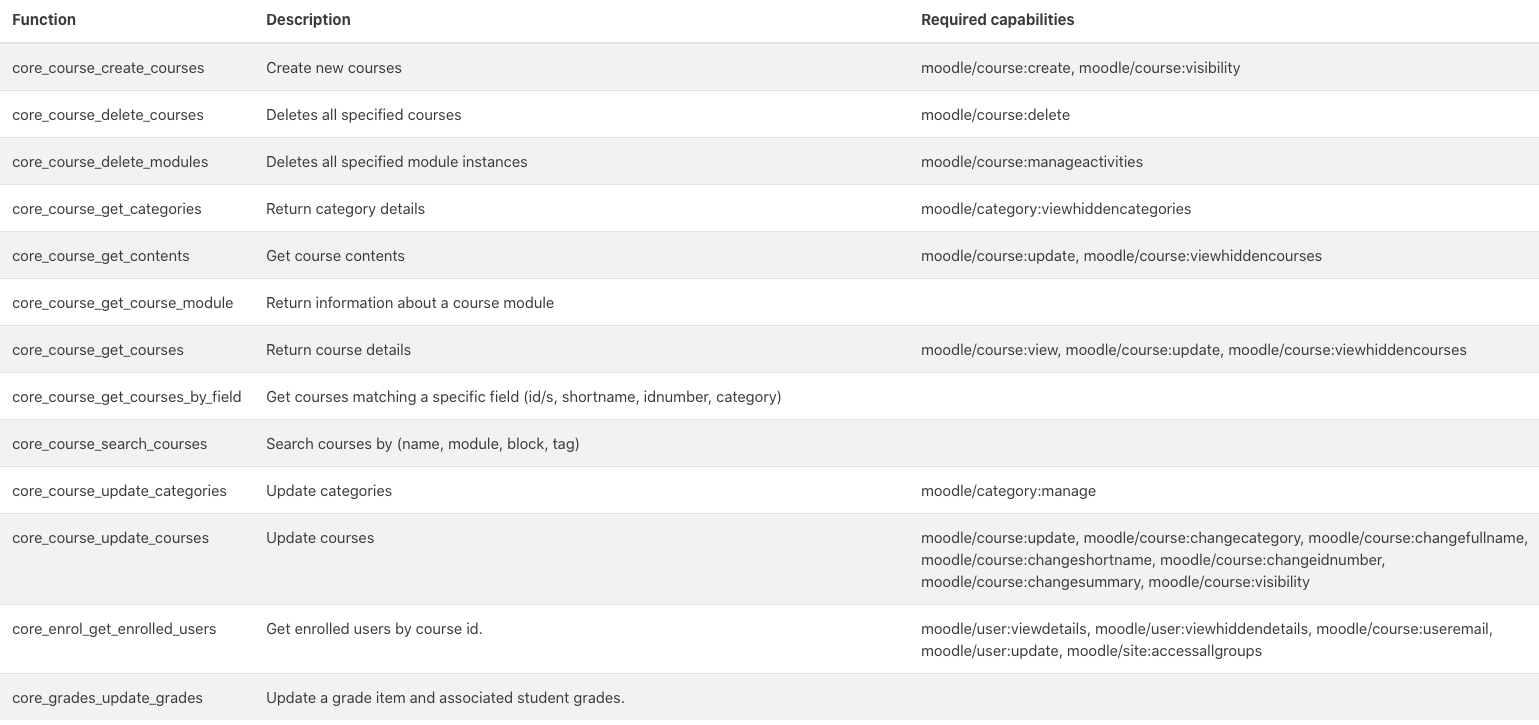
- From the “Add Functions” form, add the following functions to give the edX Moodle Integration the permissions it needs as follows
-
-
- core_course_create_courses
- core_course_delete_courses
- core_course_delete_modules
- core_course_get_categories
- core_course_get_contents
- core_course_get_course_module
- core_course_get_courses
- core_course_get_courses_by_field
- core_course_search_courses
- core_course_update_categories
- core_course_update_courses
- core_enrol_get_enrolled_users
- core_grades_update_grades
-
-
The specific functions the user needs to add are visible in the below screenshot:
Note: multiple functions can be added at once by using the “multi select” search bar on the form):
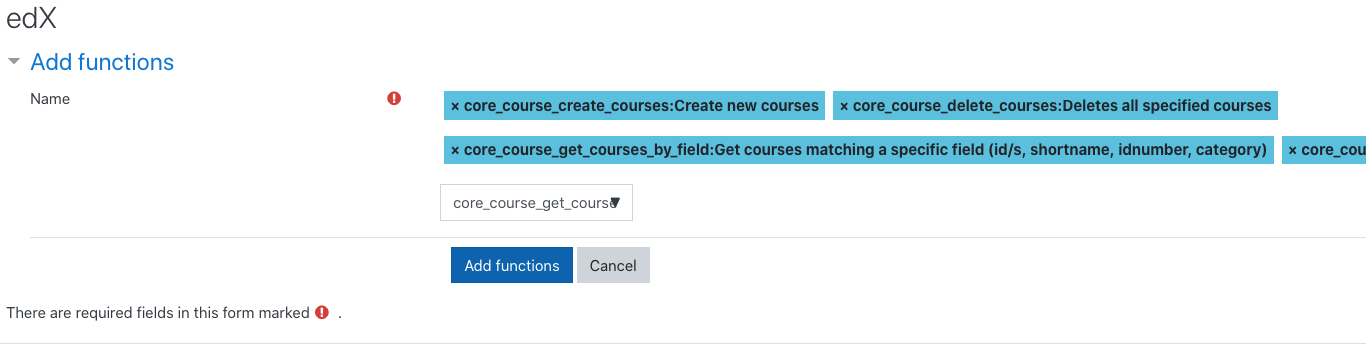
3. From the “Add Functions” form, once all functions have been selected, click the “Add Functions” button.