
You will need to locate and input the following fields so to successfully configure the SuccessFactors OCN integration.
A) Course Selection Criteria - Choose from the list of edX subject areas provided by your edX integration manager. EdX will use your course selection criteria in selecting the courses that will be imported into SuccessFactors using the edX SuccessFactors OCN integration. Before you have made your actual selections, edX can test the integration using a default set of courses.
B) SAML IdP & OData API Access Information - The URL for the SAML configuration information that edX will use for Single Sign-On authentication. edX will perform a daily refresh of metadata made available via this URL. You will need the URL for both the production system and the test or staging system. You may instead submit a static copy (file) that contains your SAML IdP metadata.
To establish a SAML connection with your SuccessFactors instance, edX needs to upload your identity provider (IdP) metadata. The metadata includes configuration information such as your entity ID, endpoints, and signing certificate. edX needs the URL for both the production system and the test or staging system.
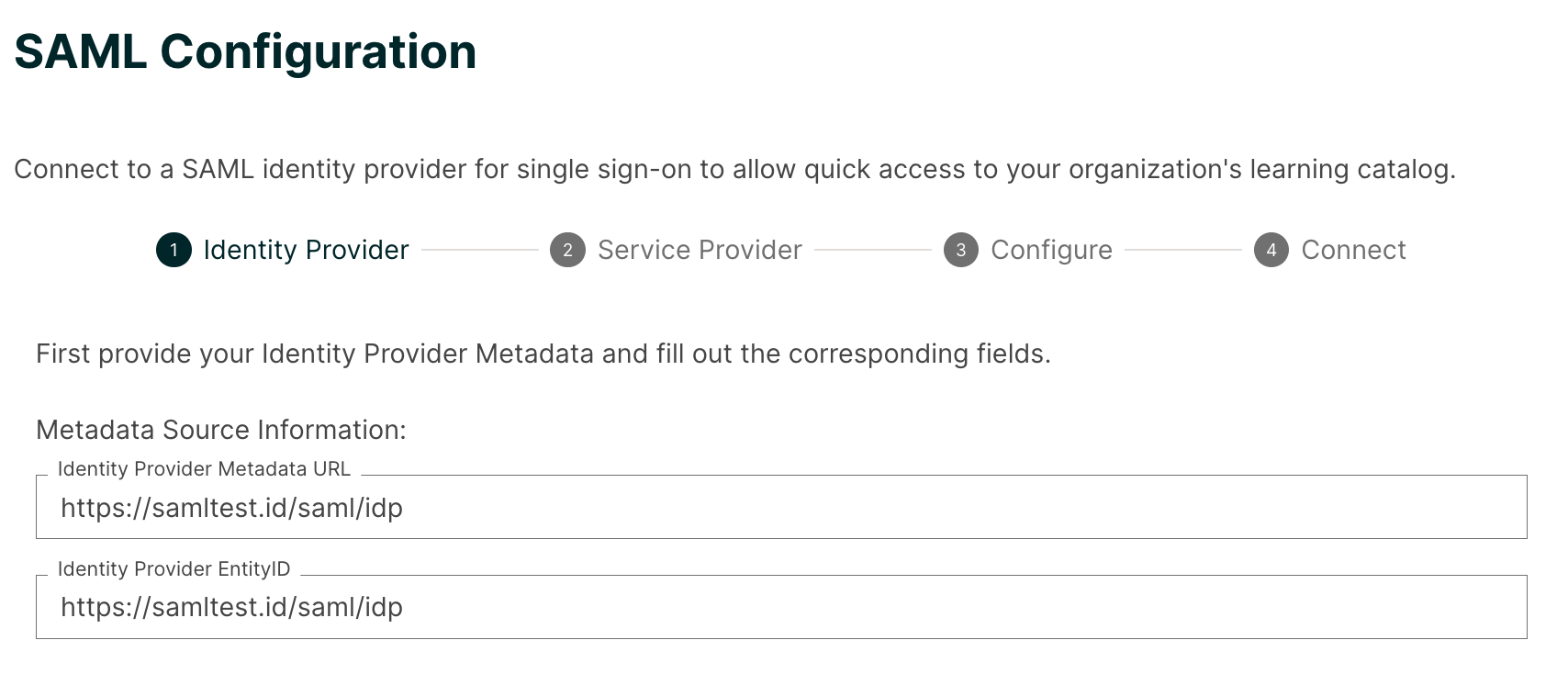
For more detailed information, see How to locate your SuccessFactors metadata URL.
To enable learner account auto-registration, edX needs to be registered as a client application in SuccessFactors. In addition, you need to generate and upload to edX certificate values and an API key. For information about how to do this, see Configuring OData API Access.
C) OCN API Access Information - EdX needs this information to import course metadata and to transmit learner completion data. You can find this information in your SuccessFactors instance at SuccessFactors > Admin Center > Learning Administration > System Admin > OAuth Token Server. You need to provide edX with the following information for both the production system and the test or staging system.
- Your Learning (LMS) hostname, which you can copy from the location bar of your web browser. For example, if the URL is: https://partner123.example.successfactors.com/learning/admin/nativelogin.jsp, then the LMS hostname is partner123.example.
- Company ID, Client ID, Client Secret, and Client Secret Hash values. Note that if you generate a new Client Secret, that will invalidate any existing Client Secret value, which may be in use by other clients, applications, or OCN providers that you have configured.


For more information see section 7.2.2.1, “Required OAuth Token Parameters”, of the Web Services for Open Content Network Partners SAP SuccessFactors Learning Integration Guide.
D) SuccessFactors API Configuration - edX needs a SuccessFactors Admin account so that we can use the OCN API to push course metadata and learner completion events to your OCN database. For more information about how to do this, please see: SuccessFactors API Configuration