
Learner account auto-registration provides a smoother experience for your learners to enroll in edX courses that they discover through the OCN. To enable learner account auto-registration, you need to register the edX SuccessFactors OCN integration as a client application in SuccessFactors.
To enable learner account auto-registration
- In SuccessFactors, navigate to SuccessFactors > Admin Center > Company Settings > Manage OAuth2 Client Applications > Register Client Application.

2. Under Application Name, enter edX OCN Integration.
3. Under Description, enter OAuth configuration information to enable account auto-registration for the edX Open Content Network provider.
4. Under Application URL, enter https://www.edx.org
5. Click Generate X.509 Certificate:

6. Under Common Name, enter your SuccessFactors company identifier (for example, SFPART011327). The remaining fields, such as Organization Name, are optional.
7. Click Generate

8. Click Register, then View to obtain the API Key value.


9. Paste the X.509 certificate file contents as the 'sapsf_private_key' and API Key using the SSO Configuration Form for SAP SuccessFactors SAML setup.
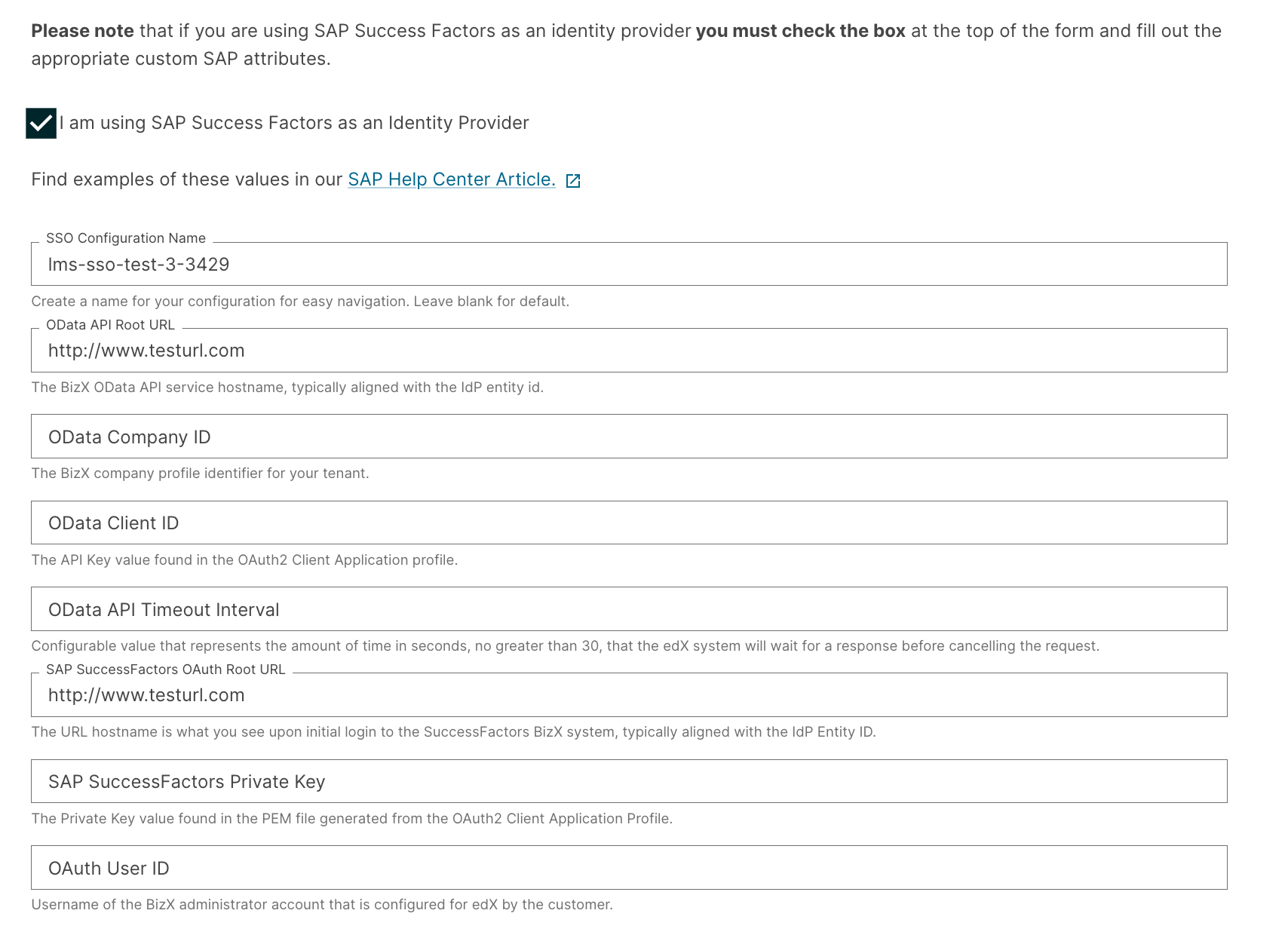
Perform this procedure for both the production system and the test or staging system.
Be sure to record a separate calendar entry or reminder to remind you when it is time to renew the certificate before it expires. See F) OData API Access Information in the SAP SuccessFactors Help Portal for more information.