Login to the edX Admin Portal: https://portal.edx.org/ using your admin account (contact your
edX Customer Success representative if you need help obtaining access)
Using the Left toolbar, navigate to select the Settings option, and navigate to the LMS tab:
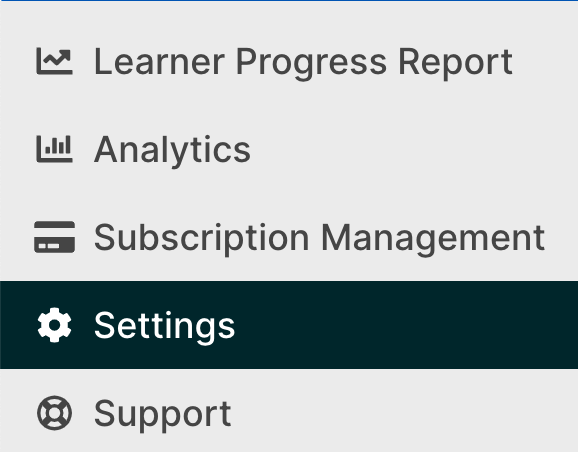
Once you have clicked on the LMS tab, click on the + New Configuration button:

Select Canvas
Provide the following information:
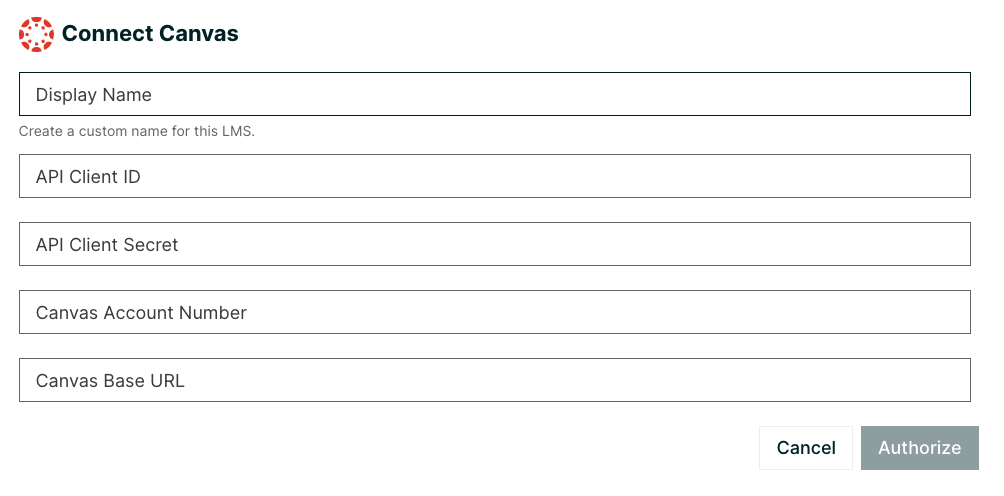
Display Name: Create a custom name for the LMS
API Client ID: Client ID from the Developer key you setup for edX
API Client Secret: Client secret from the Developer key for edX
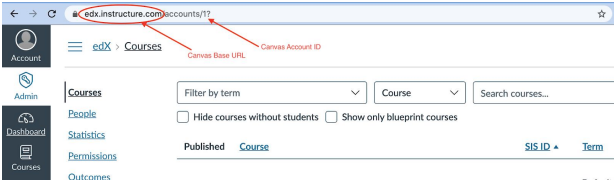
Canvas Account Number: Account id to which courses should be posted from edX
Canvas Base URL: e.g. https://edx.instructure.com
The edX integration will use this information to obtain a refresh token and fetch future access tokens using that refresh token as well, for proper API operation.
Click Authorize.
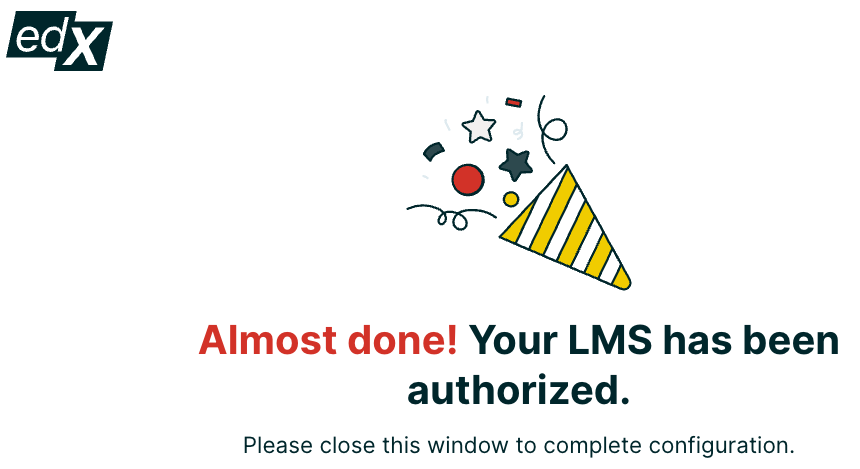
Then you may be prompted to login to Canvas. After you login, you should see this screen:
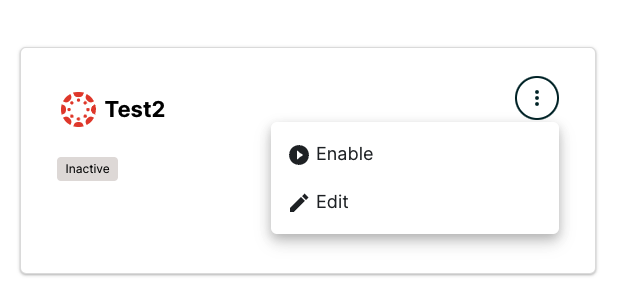
Your new configuration should appear in the LMS tab as Inactive. Click the top right corner of the configuration badge, and select Enable once you are ready to begin receiving transmissions.