
API clients must authenticate when they make API requests to the Enterprise API. Authenticating allows the Enterprise API to verify the identity of the client and associate that identity with a specific edX for Business Customer.
To use the Enterprise API, you need to generate a set of API credentials, consisting of two values: client identifier and a client secret string.
Step 1: Generating Enterprise API credentials
To obtain your API credentials, complete the following steps.
Step 1.1 Register with edX
Register at www.edx.org by creating a new user account for your company. The name you enter in the Public Username field must match the name of your company.
For example, if your company is named Example, Inc., enter a name like Example or ExampleInc in the Public Username field.
Step 1.2 Fill out the API Access Form
After you have created an account, go to courses.edx.org/api-admin and fill out the API Access Request form. The name you enter in the Company Name field must be identical to the Public Username that you used to register on previous step edx.org.
A member of the edX team reviews your request. When approved you will receive and email confirming the status of your request approved or denied.
When approved sign in at https://courses.edx.org/api-ad
Sample:
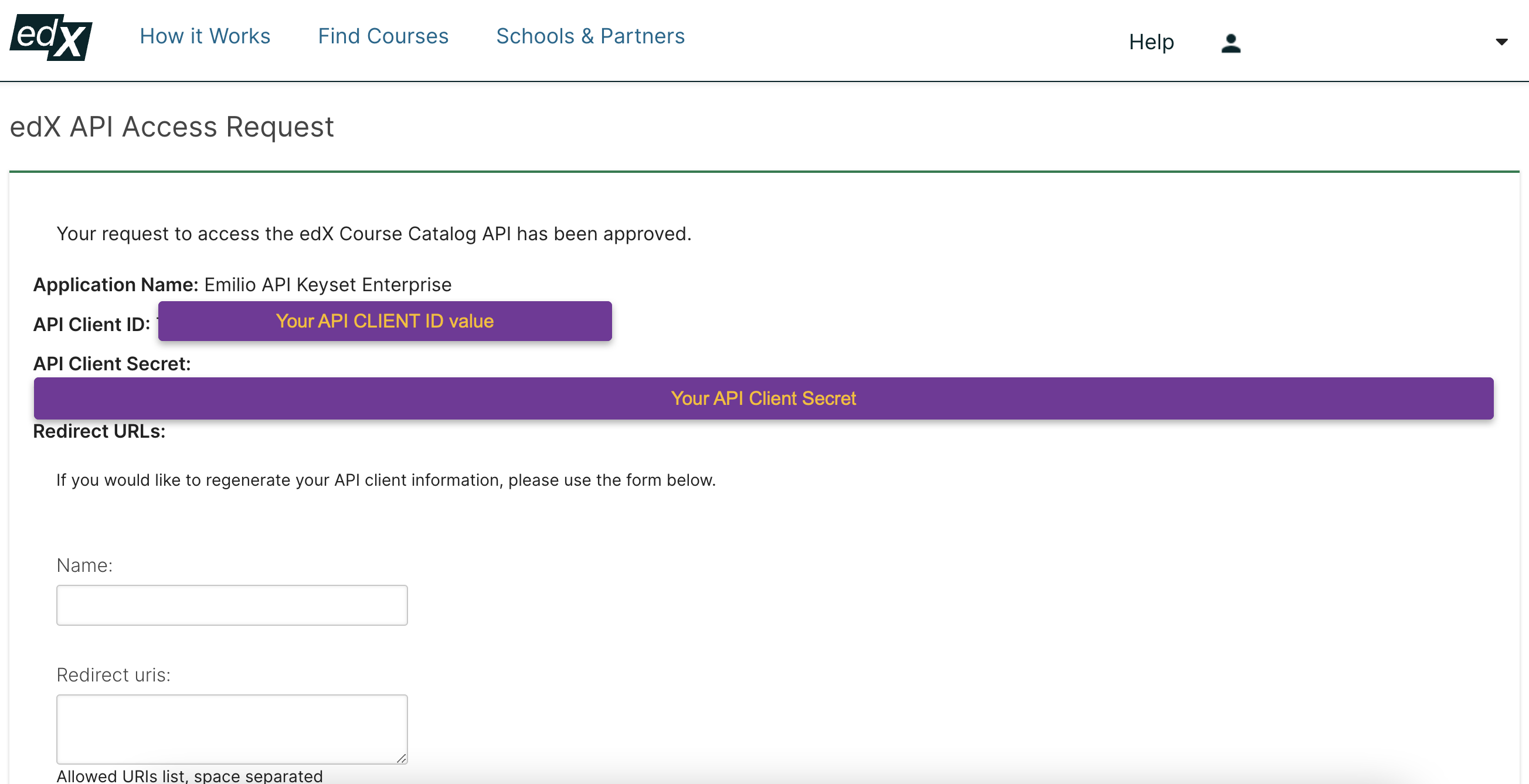
Step 1.3 edX creates a course catalogue
After you submit the API Access Request form, edX will also create a course catalogue for you and then send you an email with your client identifier and client secret string.
You can then use the client identifier and secret string to access your course catalog using the edX Enterprise API endpoints.
Step 2: Authenticating with your new credentials
The authenticating consist in generating an access token that enables you to reach out to the edX Enterprise API endpoints.
Step 2.1: Obtaining an Access Token
To obtain an access token, you submit a POST request to the /oauth2/v1/access_token authentication resource. Include a string in the message body of your POST request that contains your client identifier, client secret, grant type, and token type, as shown in the following example:
curl -X POST /oauth2/v1/access_token/\
-d "grant_type=client_credentials&client_id={client_id}
&client_secret={client_secret}&token_type=jwt" \
https://api.edx.org/{endpoint}/v1/access_token
The response that you receive contains the access token value that you can use to submit further requests to the edX Enterprise API. For example:
{
"access_token":"g1Bb0usqwe345ty…",
"token_type": “JWT”,
"expires_in": "36000",
"scope": "read write profile email"
}
Important to note the access token expire after a period of time that is specified when you request them. After an access token expires, you must get a new token from the /oauth2/v1/access_token authentication endpoint.
Step 2.2: Accessing your catalog, course metadata and learner data
The edX enterprise API has 6 endpoints that allow you retreat information about your course catalogs, courses and program metadata and learner data. You can download a Postman collection here to import in your local machine.
For a full endpoints description visit:
https://edx-enterprise-api.readthedocs.io/en/latest/api_reference/reference.html
*Note: para revisar estas mismas instrucciones en español, ir a: Autenticarse como usuario del servicio web REST de edX (Spanish)