These instructions list the steps to configure your Degreed integration via the edX Admin Portal.
Login to the edX Admin Portal: https://portal.edx.org/ using your admin account (contact your edX Customer Success representative if you need help obtaining access).
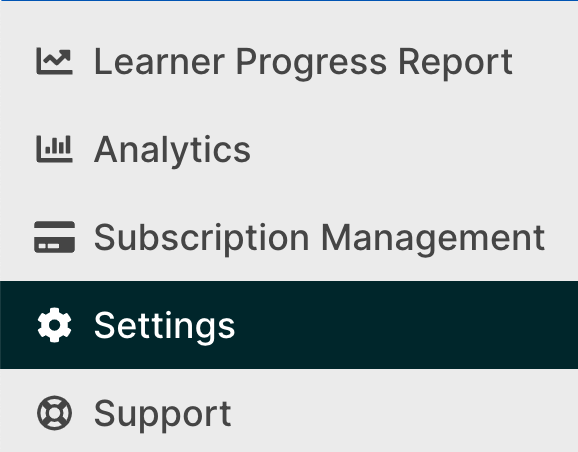
Using the Left toolbar, navigate to select the Settings option, and navigate to the LMS tab
Once you have clicked on the LMS tab, click on the + New Configuration button:

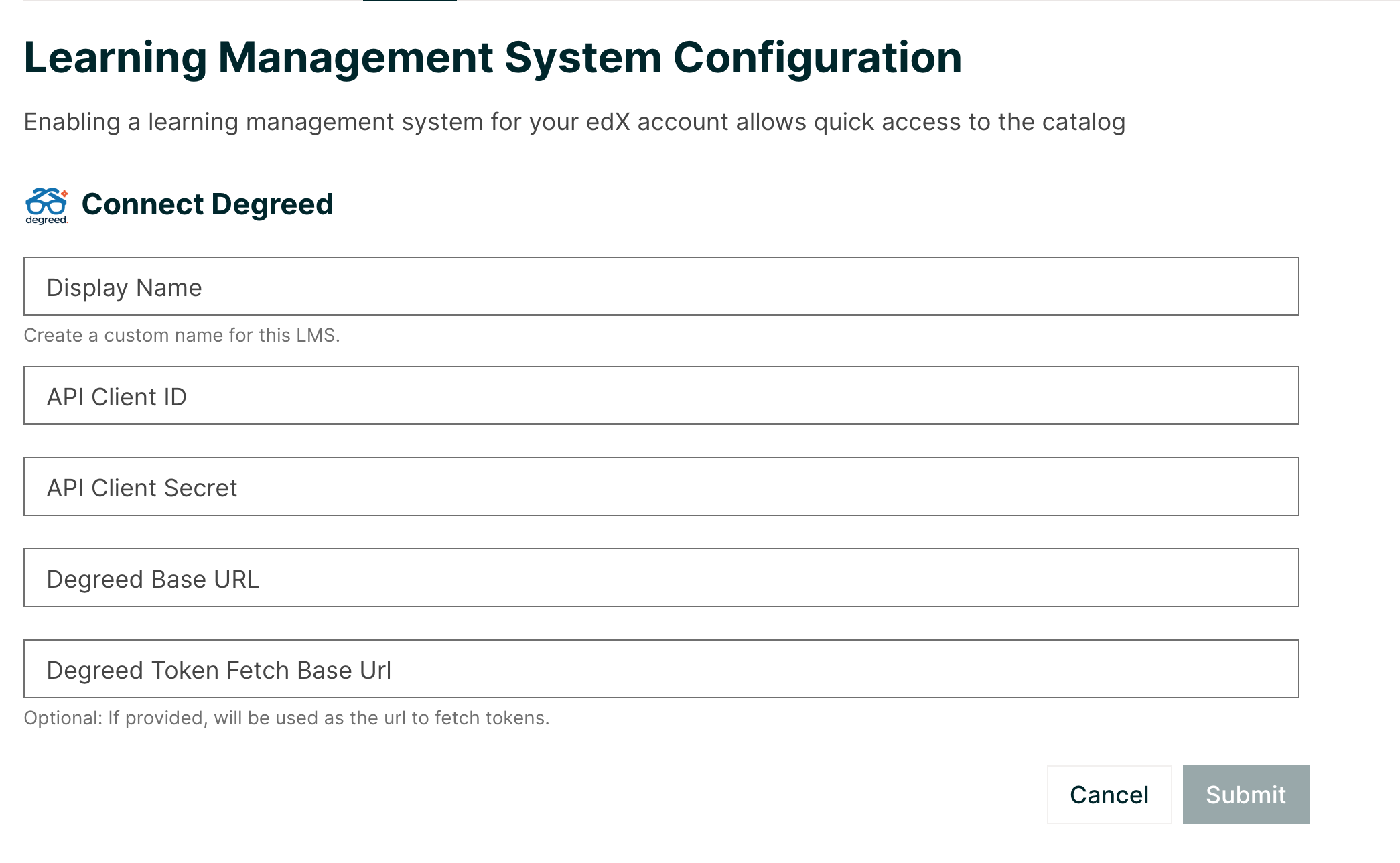
Select Degreed and provide the requisite information:
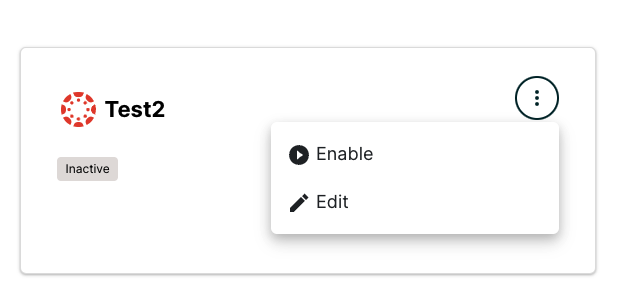
Your new configuration should appear in the LMS tab as Inactive. Click the top right corner of the configuration badge, and select Enable once you are ready to begin receiving transmissions.